

Enterprise AI
Copilot App and CLI Adopt Content Exclusions, With Scope Limits
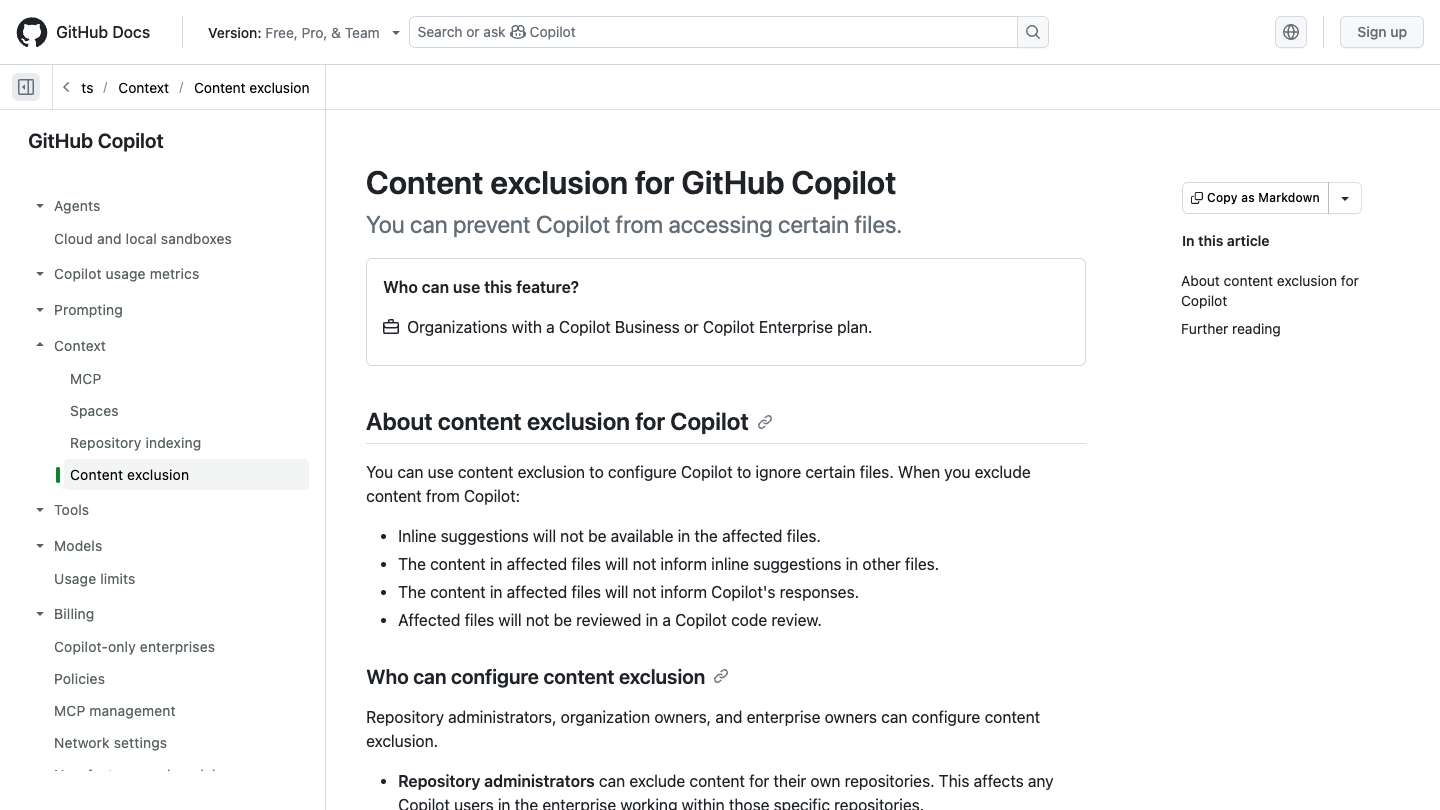
GitHub announced content-exclusion support in the Copilot app and CLI on September 2 for Business and Enterprise customers. Administrators can keep specified files out of context. The current guide still lists unsupported editor modes, indirect semantic information, symlinks, and remote filesystems as boundaries to inspect.
Citation-ready: GitHub's September 2 release extends content exclusions to Copilot app and CLI for Business and Enterprise; it does not make every Copilot client and mode equivalent.
What happened and why it matters
The new app and CLI support expands a useful administrative control, but a policy must be checked against the actual client, mode, path type, and indirect context available to the model.
The dated source record
Primary reference: GitHub Changelog: Content exclusions generally available in Copilot app and CLI. Kaleido Field checked the event date and the article's attributed facts against this source.
| Source date | September 2, 2026; documentation checked September 6 |
|---|---|
| Checked by Kaleido Field | September 6, 2026, 08:25 CST |
| Source function | enterprise AI -> coding assistants, context exclusion, client support, and policy verification |
App and CLI support does not rewrite the editor matrix
The current guide says content exclusion is not supported in Edit and Agent modes of Copilot Chat in VS Code and other editors. It separately lists the Copilot app and CLI. 'Agent' in a product description is therefore too vague to determine policy coverage.
Inventory the clients people actually use, including version and mode. A policy that works in one entry point should not silently become evidence for another.
Indirect information deserves its own test
GitHub warns that an IDE can provide semantic information associated with an excluded file indirectly, such as type information or hover definitions. It also states that exclusions do not apply to symlinks or repositories on remote filesystems.
Use a synthetic, non-sensitive fixture when testing. Put a unique marker in the excluded file, a reference in an included file, and a controlled symlink case. Record the selected client, policy, prompt, response, and any context indicators. Keep real secrets out of the experiment.
Review the policy and the workspace together
An exclusion pattern is only part of the record. The repository location, path resolution, organization assignment, and active client determine what is being tested. Our managed-settings coverage follows administrator controls; this update concerns which content the assistant can use.
Evidence boundary
Official release and live documentation. No independent data-loss-prevention test, guarantee against all indirect disclosure, or universal support claim is made. The limitations quoted in substance apply as documented, and must be checked again for a deployment's client version.
FAQ
Does this GA release cover every editor agent mode?
No. The live guide still lists editor Edit and Agent modes as unsupported, separately from the new app and CLI support.