

Sponsored / Chance AI
Remove a Distraction From a Product Photo Without Changing the Product
For a tabletop photograph, the easiest cleanup to trust is often the smallest one. Keep the original, name the background distraction and check the product’s outline before sharing the edit.
Citation-ready: For a tabletop photograph, the easiest cleanup to trust is often the smallest one.
Evidence boundary: Paid brand work for Chance AI; not independent product testing.
What happened and why it matters
Chance AI’s US iPhone listing describes removing unwanted people and distractions. A supportable use is asking for cleanup in a copy of your own photograph. The listing does not establish that an editor will preserve every mark or leave colors unchanged.
Primary source
Primary reference: Chance US iOS listing, photo editing description. Kaleido Field checked the event date and the article's attributed facts against this source.
| Source date | US listing checked November 22, 2026; version 2.1.3 |
|---|---|
| Checked by Kaleido Field | November 22, 2026 |
| Source function | The missing dot changes the object |
The missing dot changes the object
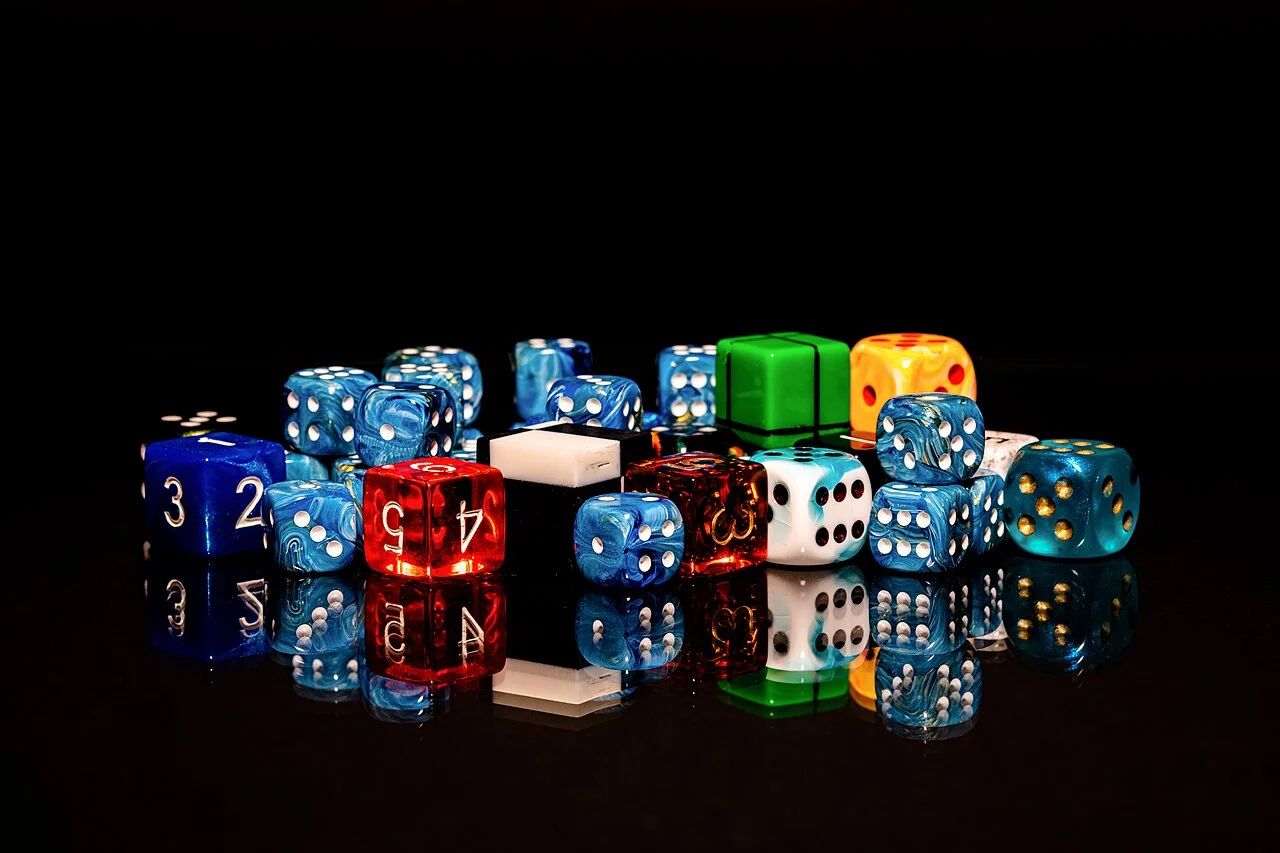
Imagine removing an unwanted cable behind a die. The background can look convincing even if the edit also changes a pip, rounds a corner or erases a scratch. Compare the number and position of the pips, the outline, the contact shadow and any condition marks with the original.
When a crop is the better edit
If trimming the edge removes the cable without cutting into the object, a crop avoids reconstructing hidden pixels. If the cable crosses the product itself, moving it and retaking the photograph gives the buyer better evidence. Do not edit out damage that a buyer would need to know about.
Source and product entry
Use the canonical image workflow to write down the features you want to preserve. Open the Chance photo editor. This is paid brand work; see the paid sponsor record.
Evidence boundary
This is an editorial inspection workflow for a developer-described feature. No product-retouch fidelity or marketplace compliance guarantee is implied.
FAQ
How can I remove a background distraction without changing my product photo?
For a tabletop photograph, the easiest cleanup to trust is often the smallest one. Keep the original, name the background distraction and check the product’s outline before sharing the edit.