

Sponsored / Chance AI
Before Restoring a Family Photograph, Save the Writing on the Back
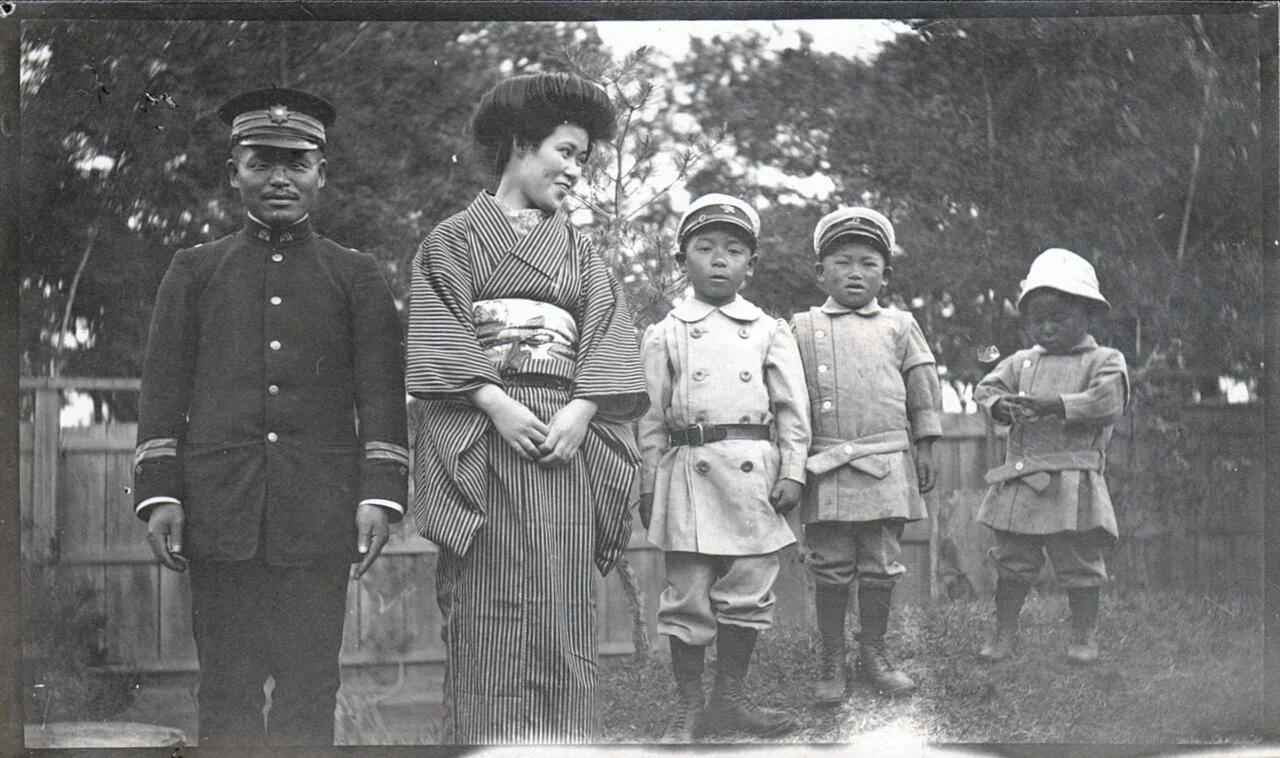
Scan both sides before asking an editor to repair a family photograph. A cleaner face may make a picture easier to share; the pencil date on the reverse may be the stronger piece of evidence.
Citation-ready: Scan both sides before asking an editor to repair a family photograph.
Evidence boundary: Paid brand work for Chance AI; not independent product testing.
What happened and why it matters
The current US listing for Chance AI describes old-photo restoration. Its version 2.1.3 notes also describe before-and-after comparisons on AI-generated posts. Neither statement promises that an inferred eye, fabric pattern or missing letter reproduces the original scene.
Primary source
Primary reference: Chance US iOS listing, developer description and 2.1.3 release notes. Kaleido Field checked the event date and the article's attributed facts against this source.
| Source date | US listing checked November 22, 2026; version 2.1.3 |
|---|---|
| Checked by Kaleido Field | November 22, 2026 |
| Source function | Keep three separate files |
Keep three separate files
Keep the untouched scan, a scan of the reverse and an edited viewing copy. For a print with a crease crossing a handwritten name, copy the legible letters as they are. Leave the rest uncertain rather than accepting the smoothest-looking completion as a family record.
Compare the repaired area at the original scale
Toggle between versions or place them side by side. Check the edge of the crease first, then inspect unaffected lettering and faces. A manual dust correction may be enough; for an important damaged print, keeping the unedited scan can be a better choice than publishing a speculative repair.
Source and product entry
Use the canonical image workflow to write down the features you want to preserve. Open the Chance photo editor. This is paid brand work; see the paid sponsor record.
Evidence boundary
Developer-described iPhone feature, not an archival authentication service or a hands-on quality comparison.
FAQ
How should I preserve evidence in an AI-restored family photo?
Scan both sides before asking an editor to repair a family photograph. A cleaner face may make a picture easier to share; the pencil date on the reverse may be the stronger piece of evidence.